
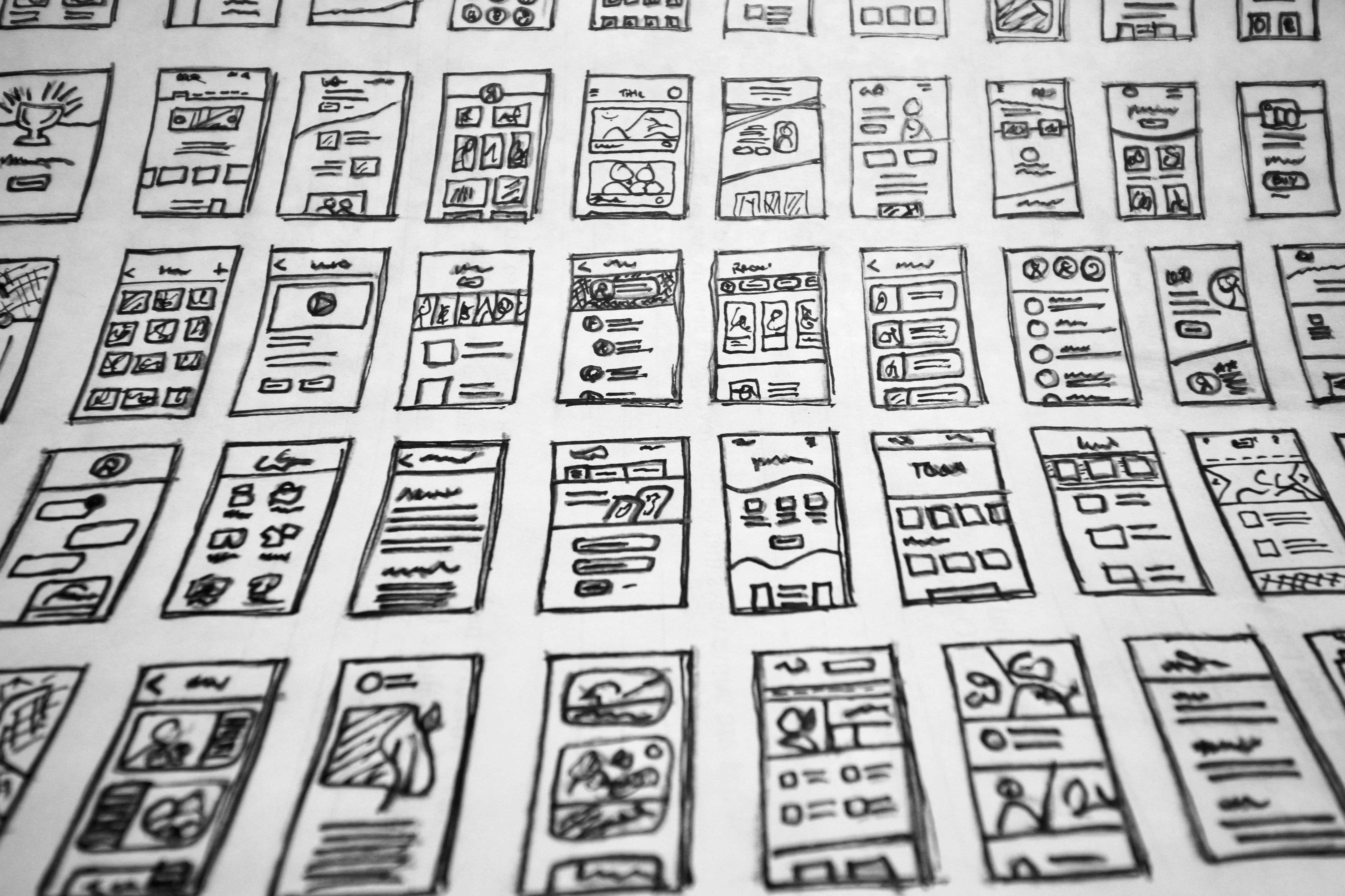
Understanding UI/UX: The Basics
User Interface (UI) and User Experience (UX) design are fundamental concepts that play a critical role in the development of mobile applications. UI refers to the specific visual elements that users interact with, such as buttons, icons, typography, and layout. These components are crucial as they serve as the bridge between the user and the application, directly influencing how users navigate and perceive the content presented. A well-designed UI is not only aesthetically pleasing but also functional, enabling intuitive interaction that enhances the overall user journey.
On the other hand, UX encompasses the overall experience a user has while interacting with an application. This aspect goes beyond mere aesthetics; it includes the user’s emotions, attitudes, and perceptions throughout their interaction with the mobile app. A positive UX is characterized by usability, accessibility, and efficiency, all of which contribute to user satisfaction. It is essential for designers to prioritize these factors to ensure that users can achieve their goals with minimal frustration. An application that offers a seamless and enjoyable experience is more likely to retain users and foster loyalty.
Key principles such as usability emphasize the importance of intuitive design that allows users to complete tasks easily, while accessibility ensures that apps can be used by individuals of varying abilities and preferences. Aesthetics, or the visual appeal of an application, also play a significant role in UX, as pleasing designs can elevate user engagement and satisfaction.
Ultimately, mastering the relationship between UI and UX is vital for creating successful mobile applications. A well-executed design can significantly enhance the user experience, leading to increased retention rates and satisfying interactions that meet users’ needs effectively.
Current Trends in Mobile UI/UX Design
Mobile applications are continually evolving, influenced by both technological advancements and user expectations. One of the most notable trends in recent years is the implementation of dark mode, which enhances user experience by reducing eye strain in low-light environments. Popular apps, such as Twitter and Instagram, have adopted this feature, providing users with the option to switch between light and dark themes. This not only caters to user preferences but also promotes battery saving on OLED screens.
Another significant trend is minimalist design, which emphasizes simplicity and functionality. The principle of “less is more” is prevalent in applications like Airbnb and Google Keep. By stripping away unnecessary elements, these apps enhance usability, allowing users to navigate intuitively. Minimalist design effectively directs users’ attention to essential features, making interactions feel seamless and straightforward. This approach not only fosters a clean aesthetic but also minimizes cognitive overload.
Moreover, immersive experiences, particularly through augmented reality (AR), are gaining traction in mobile UI/UX design. Brands like IKEA have successfully integrated AR into their apps, allowing users to visualize furniture in their homes before making a purchase. This fosters a more interactive experience, enhancing user engagement and satisfaction. As mobile devices become more capable of handling AR, it is expected that more applications will adopt this technology to create enriched user environments.
Lastly, the use of micro-interactions is vital in enhancing user engagement. These small, subtle animations can provide feedback and improve the overall experience. For instance, the notification bubble on messaging apps animates when a new message arrives, drawing attention quickly and effectively. By incorporating such details, designers can create more dynamic and enjoyable user journeys, significantly improving the overall usability of mobile applications.
Best Practices for Designing Mobile Apps
Creating effective and user-friendly mobile app designs is fundamental to ensuring a positive user experience. One of the foremost best practices in mobile app design is implementing responsive design. Given the variety of devices and screen sizes available in the market, responsive design allows your mobile application to adapt seamlessly, ensuring that users have a consistent experience, regardless of the device they are using. This adaptability fosters user engagement and satisfaction.
Another critical component is intuitive navigation. The navigation structure of an app should be straightforward and easy to understand. Users often favor designs that allow them to access their desired content with minimal effort. Incorporating familiar icons and a logical layout can significantly enhance usability. A well-designed navigation system plays a pivotal role in enhancing user retention rates and can lead to increased overall app usage.
Prioritizing content within the app is also essential. Content should be displayed based on its relevance and importance to users, ensuring they find the most pertinent information effortlessly. Techniques such as content hierarchy and visual prompts can be leveraged to guide users towards key actions within the app. Clear and relevant content, combined with an appealing layout, helps foster user connection and satisfaction.
User feedback serves as a valuable asset in the design process. Engaging users to provide insights into their experience can highlight areas for improvement and foster a deeper understanding of user behavior. This can be achieved through surveys, usability testing, or analytics. Testing and iterating design based on actual user preferences ensures that the final product resonates with the target audience, leading to a more successful and well-received application.
Tools and Resources for Mobile UI/UX Designers
In the ever-evolving landscape of mobile UI/UX design, utilizing the right tools and resources is crucial for enhancing the design process and achieving desirable outcomes. A fundamental suite of design software predominantly includes platforms like Sketch, Adobe XD, and Figma. Each of these programs offers unique features tailored to different design needs. For example, Sketch provides a user-friendly interface with vector-based tools, making it suitable for creating high-quality UI layouts. Adobe XD, on the other hand, integrates well with other Adobe Creative Cloud applications, allowing for seamless workflow and collaboration. Meanwhile, Figma stands out with its cloud-based capabilities, enabling multiple designers to work in real-time, thus fostering teamwork and creativity.
Beyond design software, prototyping tools play a pivotal role in visualizing how a user interacts with an application. Tools such as InVision and Axure RP allow designers to create interactive prototypes that simulate the app experience, providing valuable insights into usability before development. This proactive step can significantly enhance user engagement and ensure that the final product resonates with target users.
Furthermore, user testing platforms like UserTesting and Lookback.io facilitate gathering feedback from real users. By utilizing these platforms, designers can validate their assumptions and make data-driven decisions to refine their designs. Additionally, online resources are equally important for continuous learning and professional development. Platforms such as Coursera and Udemy offer various courses on UI/UX design, while webinars and industry conferences provide opportunities for networking and knowledge sharing. Joining communities like Dribbble and Behance can connect designers with peers, allowing them to showcase their work and gain inspiration from others in the field. Together, these tools and resources equip mobile UI/UX designers to remain agile and innovative in their approach.